
Tabela de conteúdos (TOC)
Before proceeding with your seller registration, you must access the link to complete the registration form. This link was sent directly to you as an invitation from the Partner Company with which you will become a seller.
Please check your email inbox to locate the invitation.
If you have not received the access link yet, contact a representative from the partner company to request it.
It is essential to have this access link in order to continue with the next steps of creating your account.
Filling Out the Registration Form #
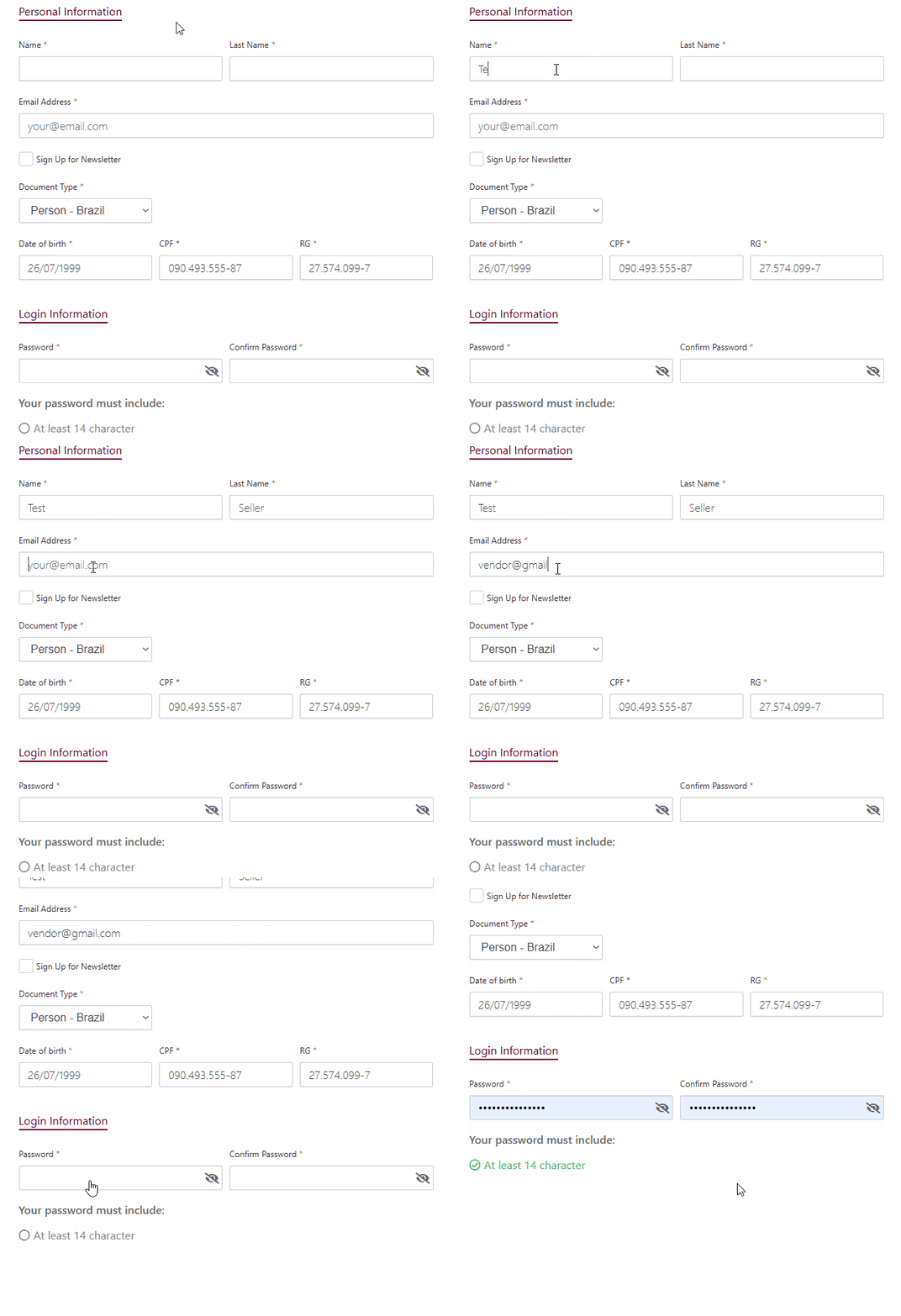
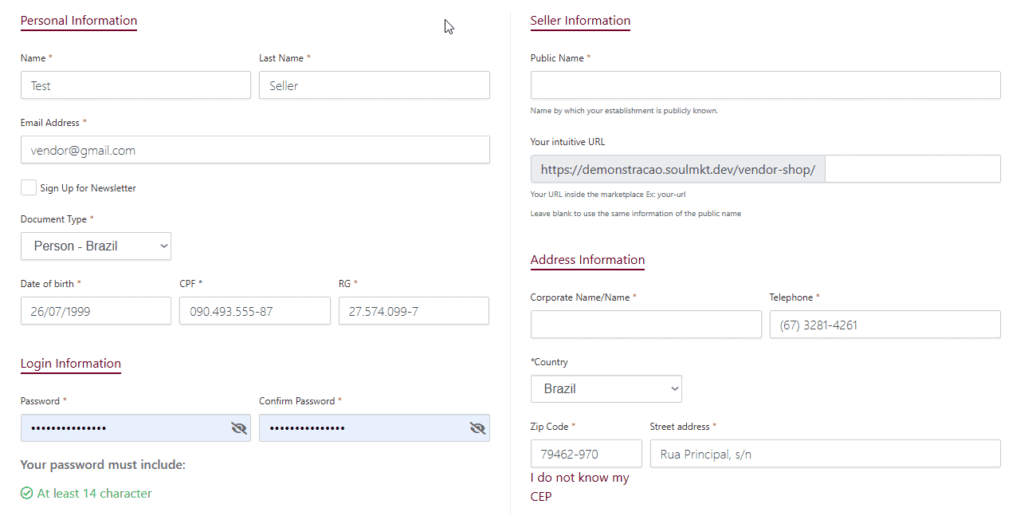
Once you access the link:
- Fill in all required information on the form.
- Make sure to complete all mandatory fields, marked with a red asterisk.
- Don’t forget to check the field: “I have read and accept the terms and conditions” — this is also mandatory.
Approval Process #
After submitting the form:
- Your registration will be reviewed and approved by the Marketplace Administration.
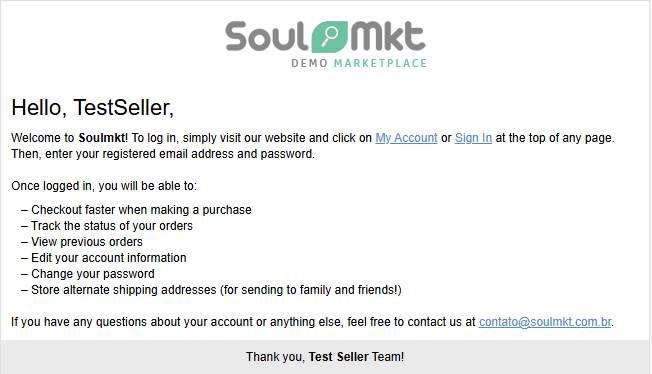
- Once approved, you will receive a confirmation email at the address you provided during registration.
Already Have a Seller Account? #
If you already have a seller account and would like to know how to access it,
click the link below to read our article: