Tabela de conteúdos (TOC)
Before learning how to access your seller account, it’s essential to create one.
If you don’t have a seller account yet, check out our article: “How to Create My Seller Account”.
Account Approval #
Right after completing your seller registration, your account will be submitted for approval by one of the Marketplace administrators.
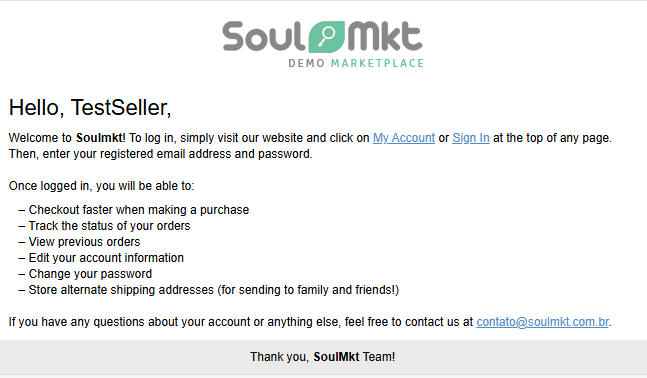
Once your account is approved, you will receive an email with instructions on how to access your seller dashboard.
Accessing the Seller Dashboard #
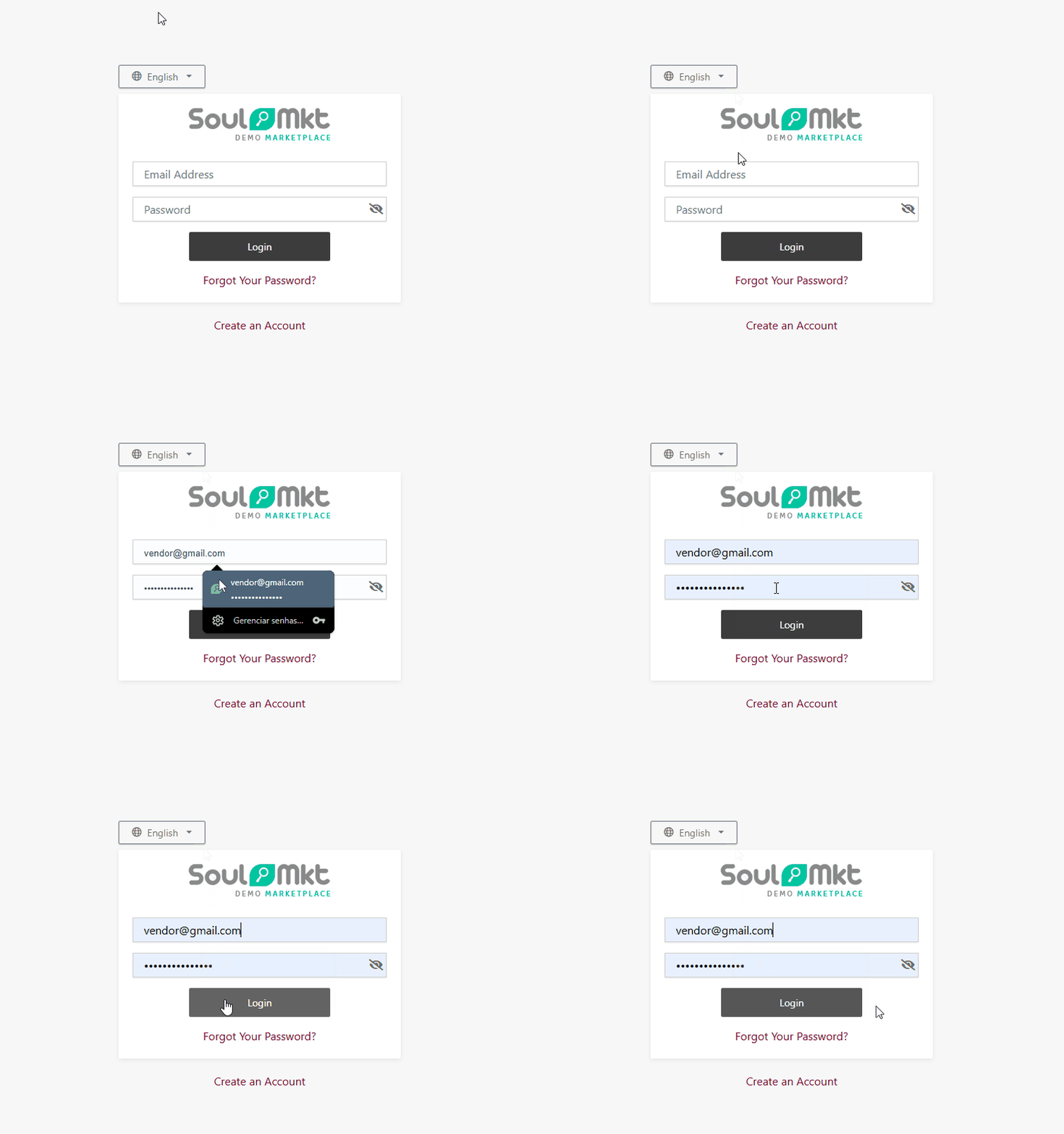
Simply click the link included in the email you received — it will take you directly to the seller login page.
Then, enter the email and password you used during registration to log in to your seller panel.