
In this documentation, you will find a detailed explanation of the Dashboard tab, which is the first area visible to sellers upon logging into the Soul platform.
The Dashboard provides a summarized and analytical view of your sales performance, making it easier to monitor orders, products sold, and operational statuses.
Information Displayed on the Dashboard #
The seller’s Dashboard offers an overview of your sales performance and the operational status of your account on the platform. Below are the main sections available in this area:
Order Summary #
At the top of the page, you will find informative cards that display:
- The total number of orders placed
- The total number of products sold
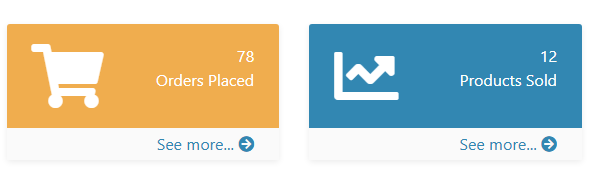
These indicators provide a quick snapshot of your operation, helping you to monitor your sales volume in a simple and efficient way.
Orders Chart #
Just below the cards, you will see a sales analysis chart that visually presents your order volume over time.
You can filter the chart to view data according to the following periods:
- Today
- Last 7 days
- Current month
- Current year
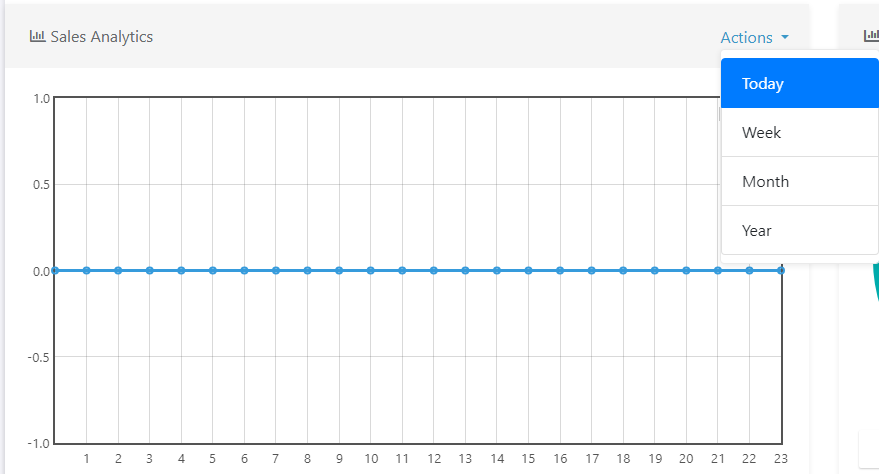
This chart helps you identify trends and monitor your performance across different timeframes.
Recent Orders #
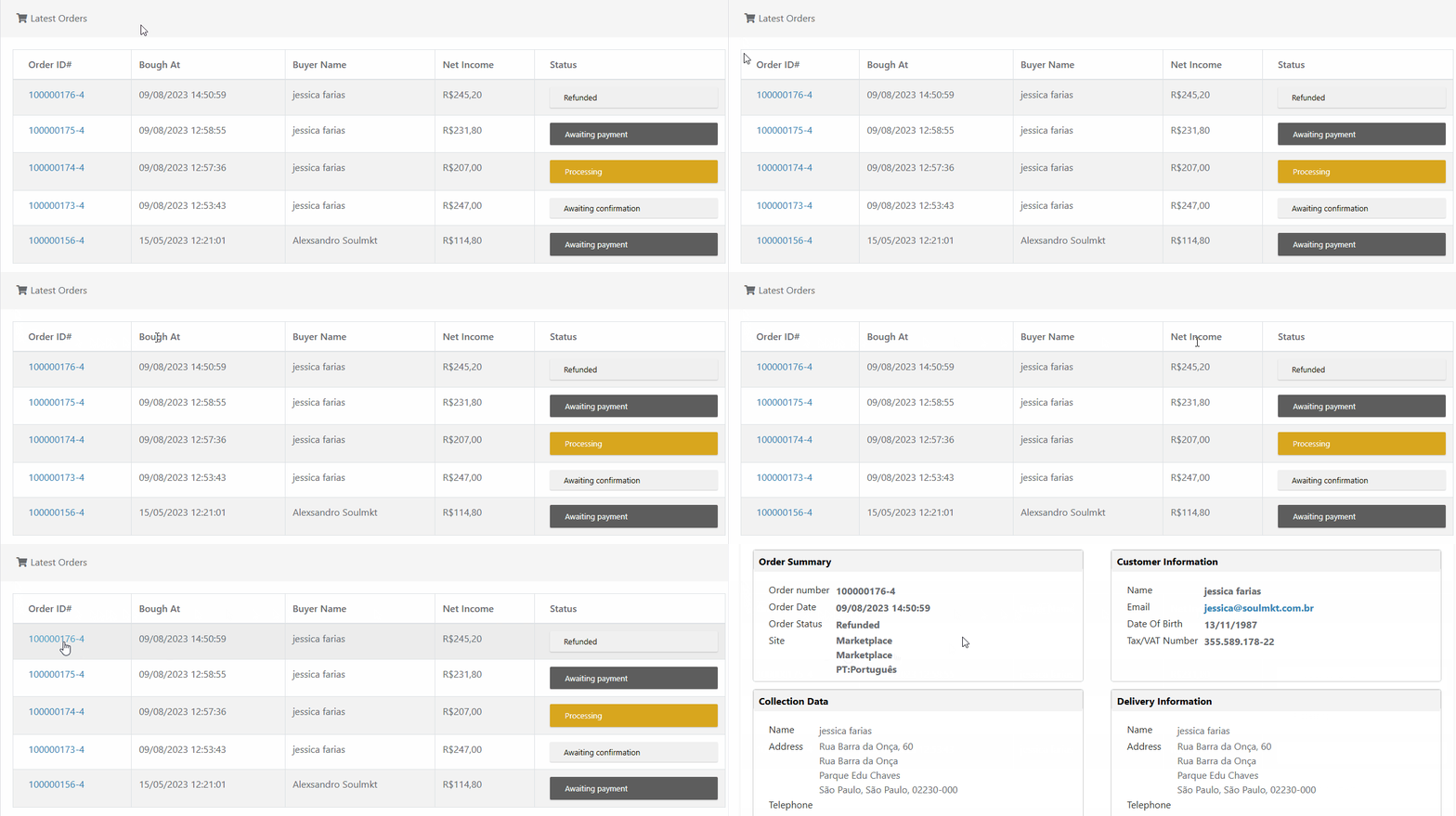
At the bottom of the Dashboard, you’ll find a table displaying the most recent orders. This table includes the following information:
- Order ID
A unique code for each order. Clicking it redirects you to the order details page. - Bought at
The date when the customer completed the purchase. - Buyer Name
The name of the customer responsible for the order. - Net Income
The net amount received by the seller, after deductions. - Order Status
Indicates the current stage of the order’s processing flow.
Possible Order Statuses #
Orders may appear with the following operational statuses:
- Awaiting Payment / Pending
The customer has not yet completed the payment. - Awaiting Invoice / Processing
The seller needs to issue and upload the invoice to the system. - Awaiting Shipment
The invoice has been uploaded, and now the shipment and tracking code must be generated. - Awaiting Confirmation
The product has been shipped, and the platform is waiting for the customer to confirm delivery. - Delivered
The customer has confirmed receipt. The order is now fully completed.
For a more detailed explanation of order statuses, refer to the documentation: “Order Statuses on the Soul Platform”.
Support #
Our team is available to assist you with any questions or difficulties.
If you have more technical or operational questions, we recommend contacting your Marketplace administrator, who can reach out to our support team directly through the platform.