
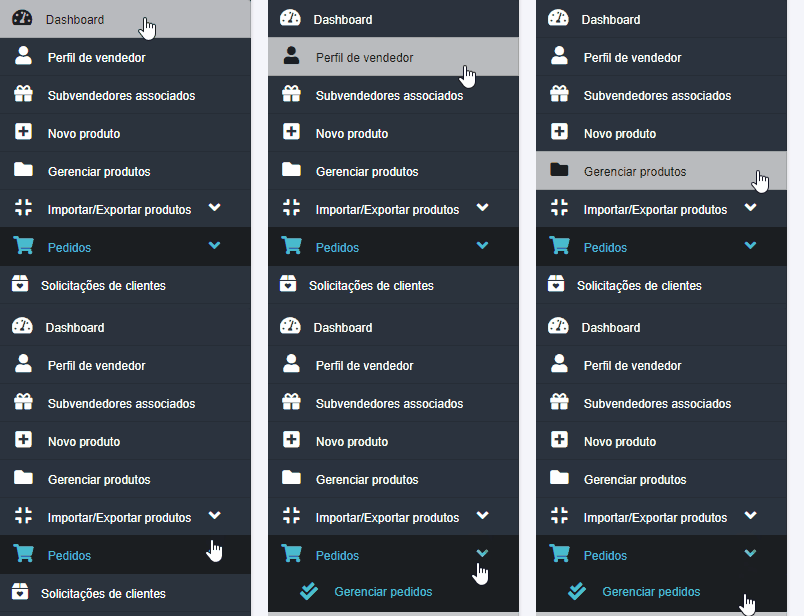
Access the seller dashboard, navigate to the ‘Orders’ tab in the side menu, and click on the ‘Manage Orders’ sub-tab
Next, click on the ‘Export to CSV’ option. The CSV file will be downloaded automatically. After that, simply open the file with the program you use to manage spreadsheets.

If you encounter any difficulties opening a CSV file in Excel, we have specific documentation that teaches you how to correctly open this type of spreadsheet in Excel.
We recommend that you consult this documentation for more details.
If you have any difficulties or questions, don’t hesitate to contact our support team. We are always available to help!